Scheduling The invitee picks.
The invitee picks.
Your calendar follows.
Your availability rules, your minimum notice, and your Google Calendar availability synced automatically.
Scheduling
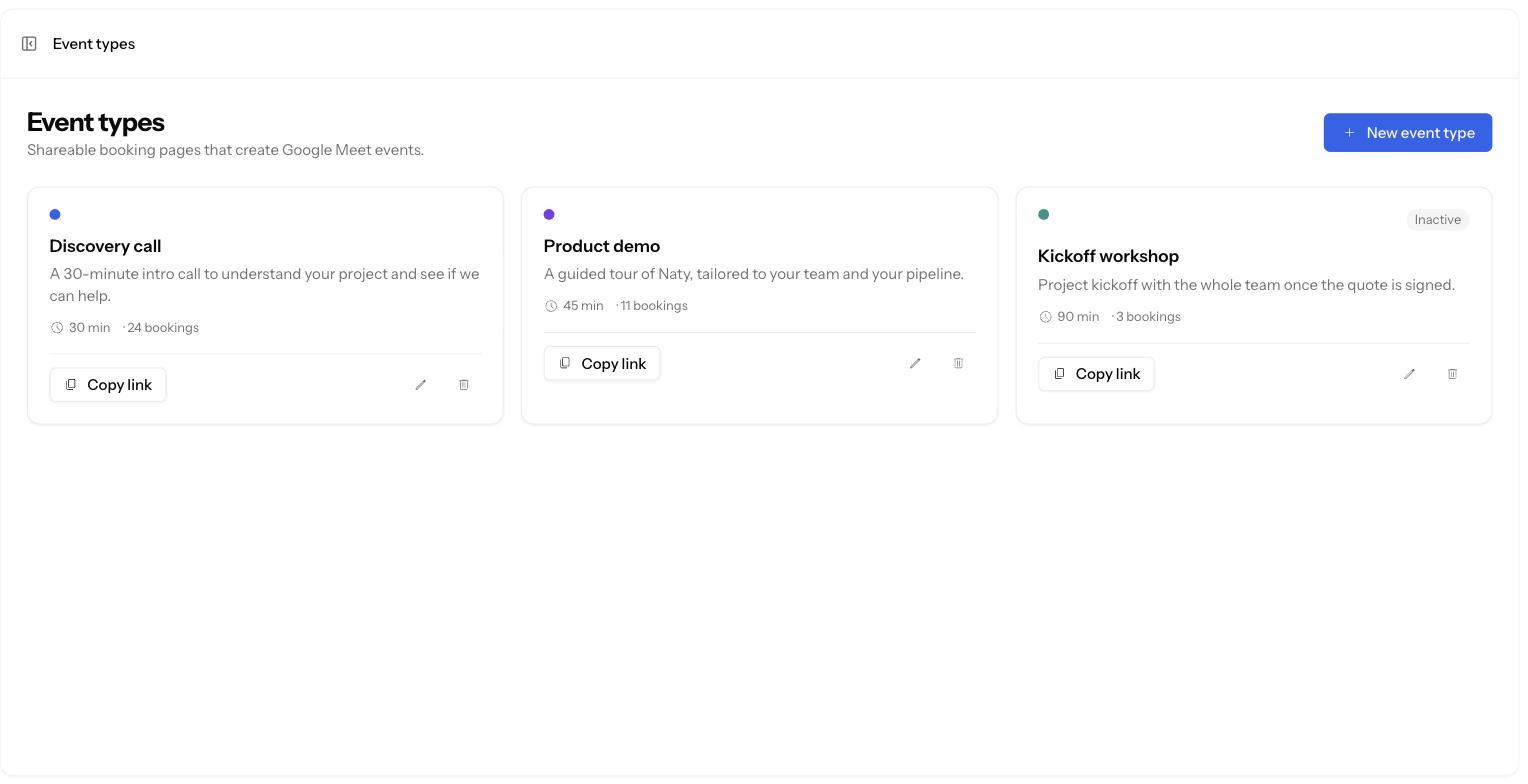
Live Event types
One page per kind of meeting.
Duration, description, colour, location. Each type has its link to copy and its booking counter.
Configurable durationIn person or videoLink to copyActive / inactive
Booking
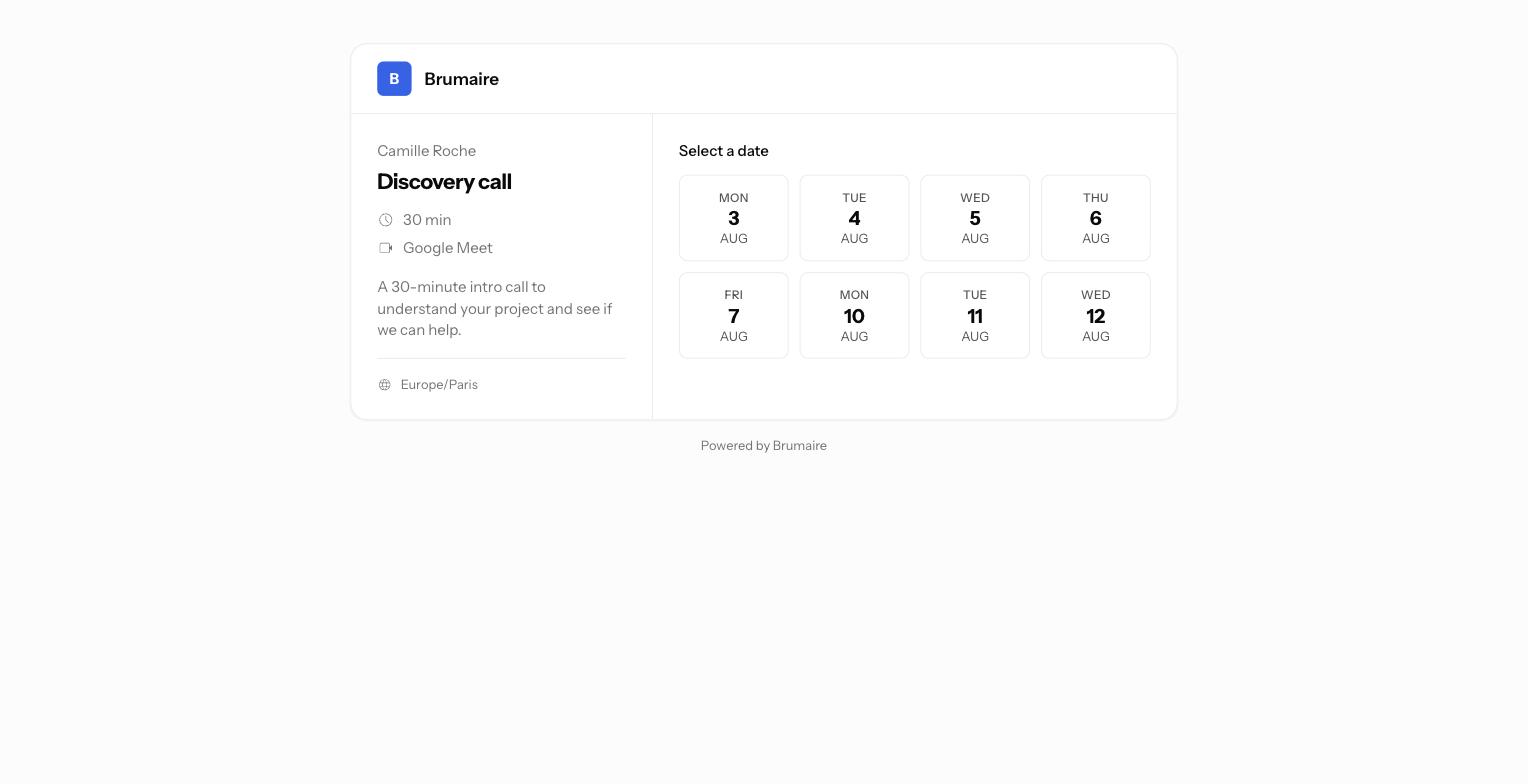
Slots in the invitee's timezone.
The date picker highlights the days with open slots, and times show in the visitor’s own timezone.
Invitee timezoneMinimum noticeBooking windowOpen days highlighted
Meetings
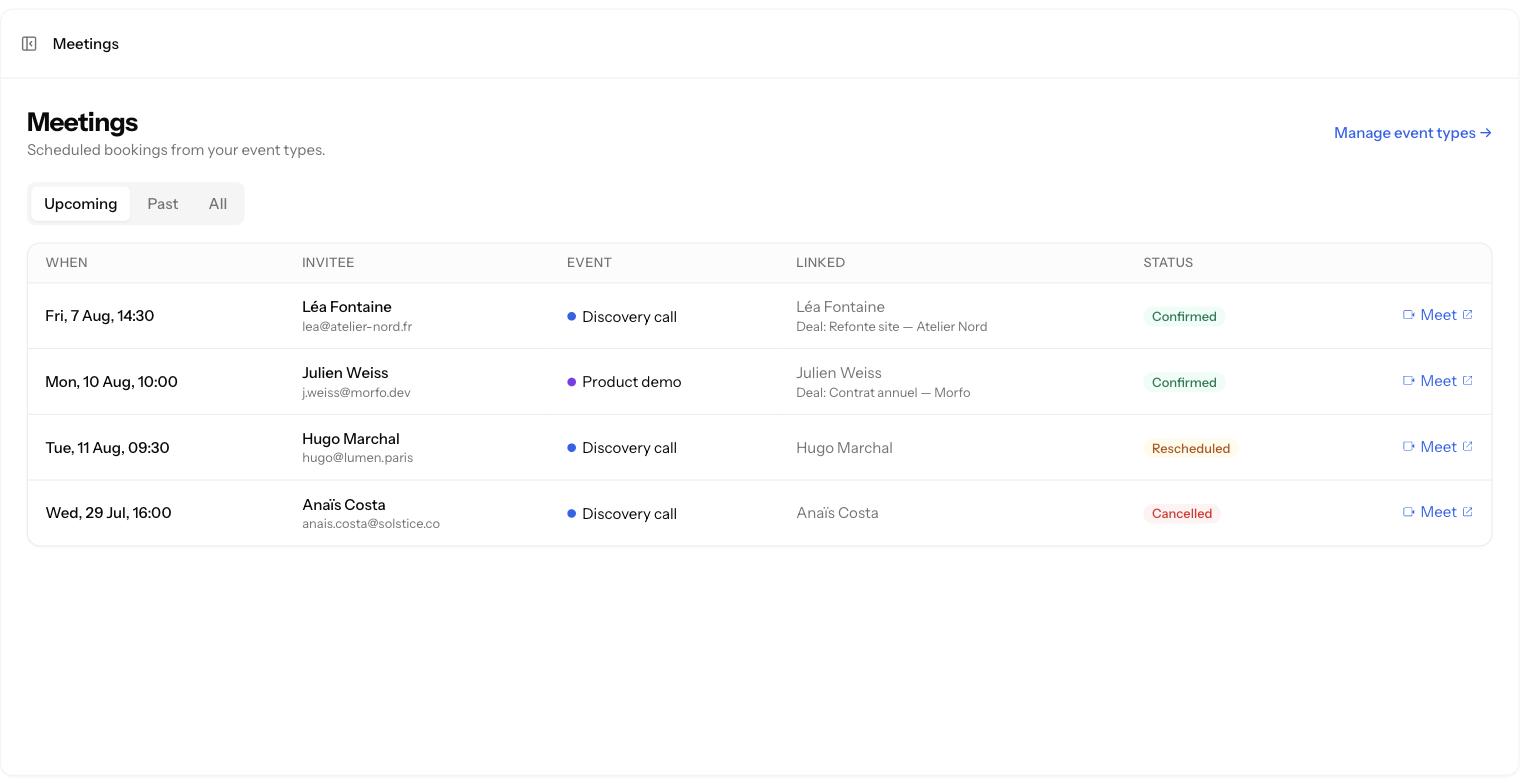
The booking lands in the CRM.
Calendar invite and Google Meet link on both sides, and the meeting attached to the contact and the deal.
Host and invitee emailsGoogle MeetAttached to the dealbooking.created
One link,
and it is booked.
We set up your event types and your availability rules together.